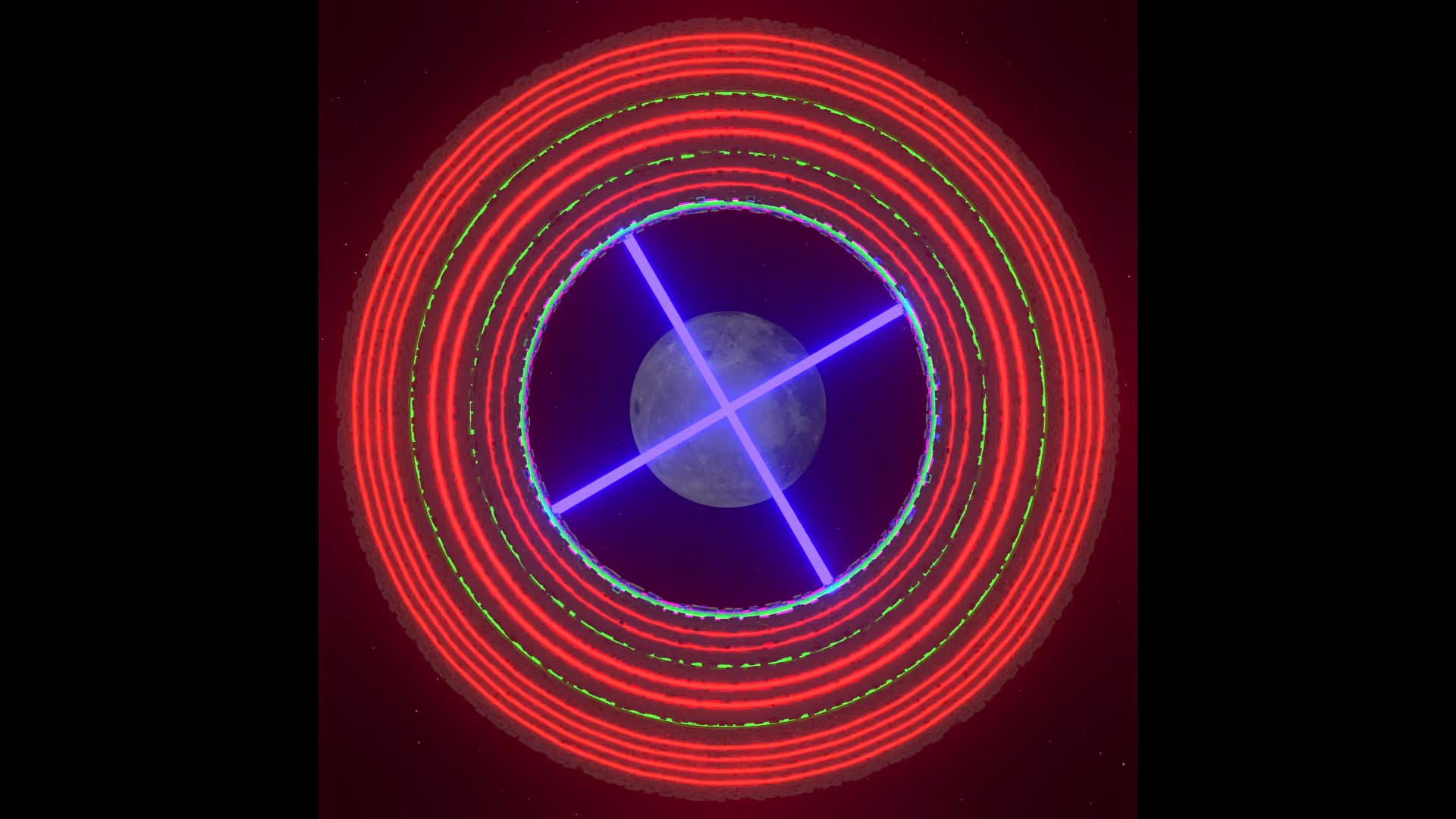
Hello, Blendermaniacs!
It is time for special edition Weekly Challenge! This time, you will use a provided animation/video template below to use in creating your scene :
File download :
Template_290.blend (803.0 KB)
INSTRUCTIONS :
- Replace the center object and place any additional objects/shapes you want, you can also add environment or just use simple background
- The center object (in collection ‘BASE’) must keep its position and scale/size relative to the camera (only rotation on Z axis allowed), however you can add animation or alter size and position to the other objects upon it (in collection ‘OBJECTS’) or its surrounding including background/environment
- You do not need to place objects within the collections, it is just for ease of explaining rules
- The center object(s) must cover most area of the sphere in template file, and object sizes should not be too large so that it still fits within the camera view
- Do not alter the camera setting and empty object (‘Center’) animation
- Speed of rotation of center object animation must be maintained the same with the template
- You can use Eevee or Cycles for rendering and any style you want
- It does not have to be looping/seamless (start and end frame does not have to look the same)
- For ease of judging, no audio is allowed
- Submission in video format : MP4; 1080x1080; 120 frames; 24 fps
EXAMPLES :
NOTES :
- The rotating animation should be clear/visible. For example, featuring a rotating plate with circular pattern like the first video below would not be distinguishable from a still image. For this case, add some objects to make it clearer (second video).
- Surrounding objects or environment may be manipulated to give a sense of movement, as long as the center object remains at the center of camera view. See example below :
Looking forward to seeing your creative take on the template! If you are feeling unsure about your concept or have questions, you can post your WIP on this thread to be commented on later.
Accepting entries : Starts at 2026-01-20T08:00:00Z ; ends at 2026-01-26T08:00:00Z
( The date/time displayed in your local timezone, check also countdown timer HERE )
Read the general Rules & Guidelines (including prizes) HERE.
Please submit your entry to this thread by hitting REPLY at the very bottom.

