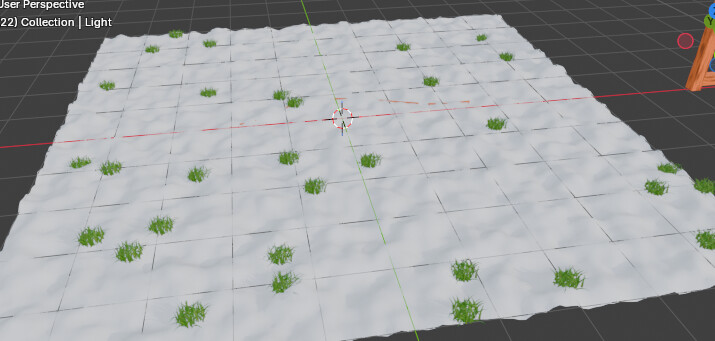
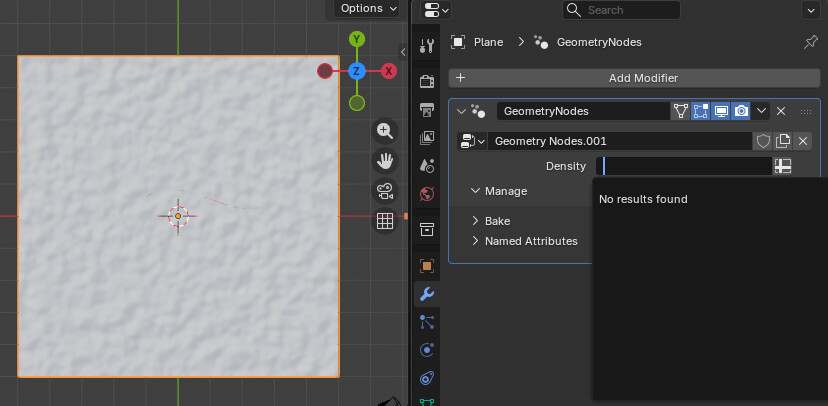
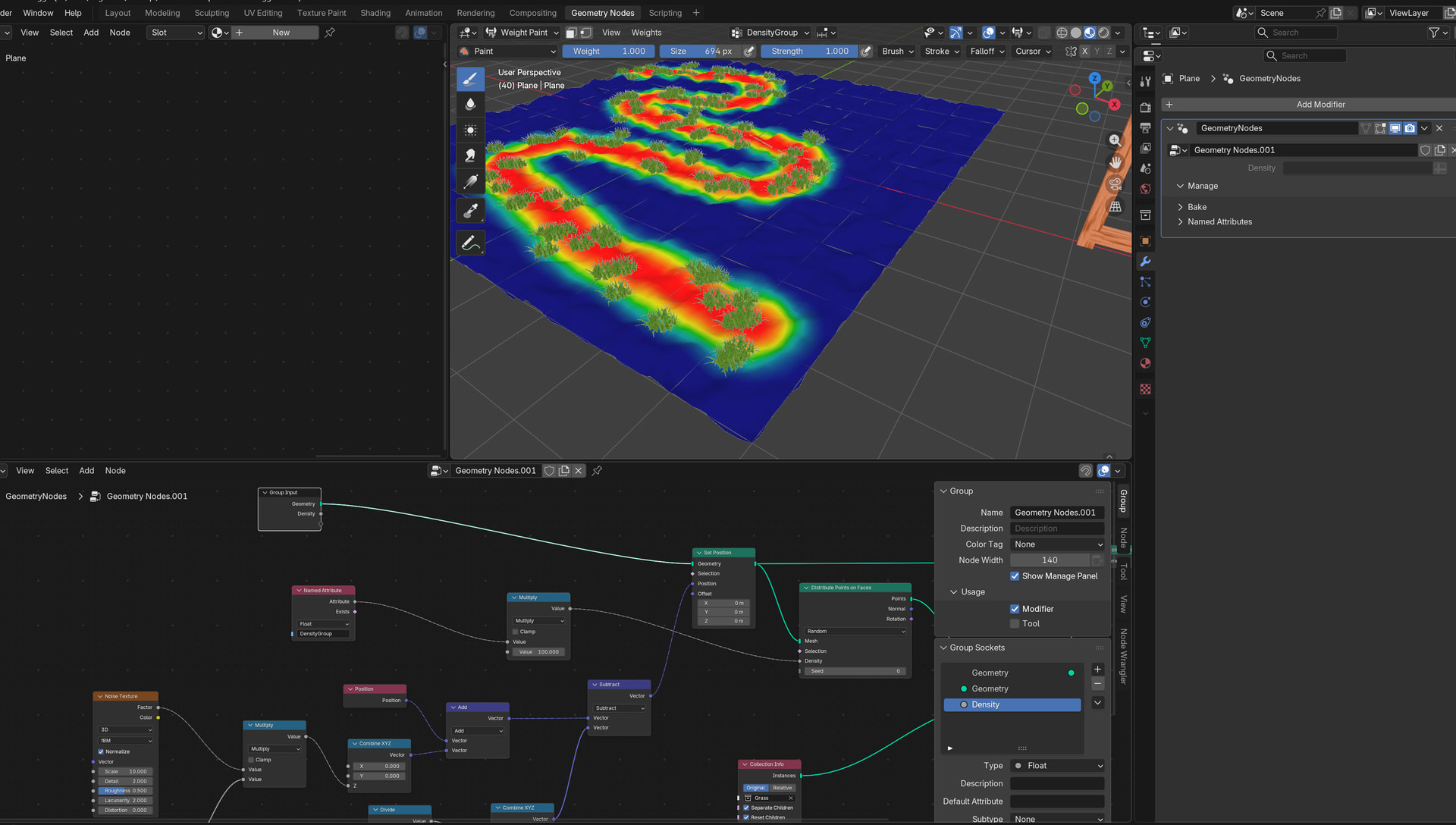
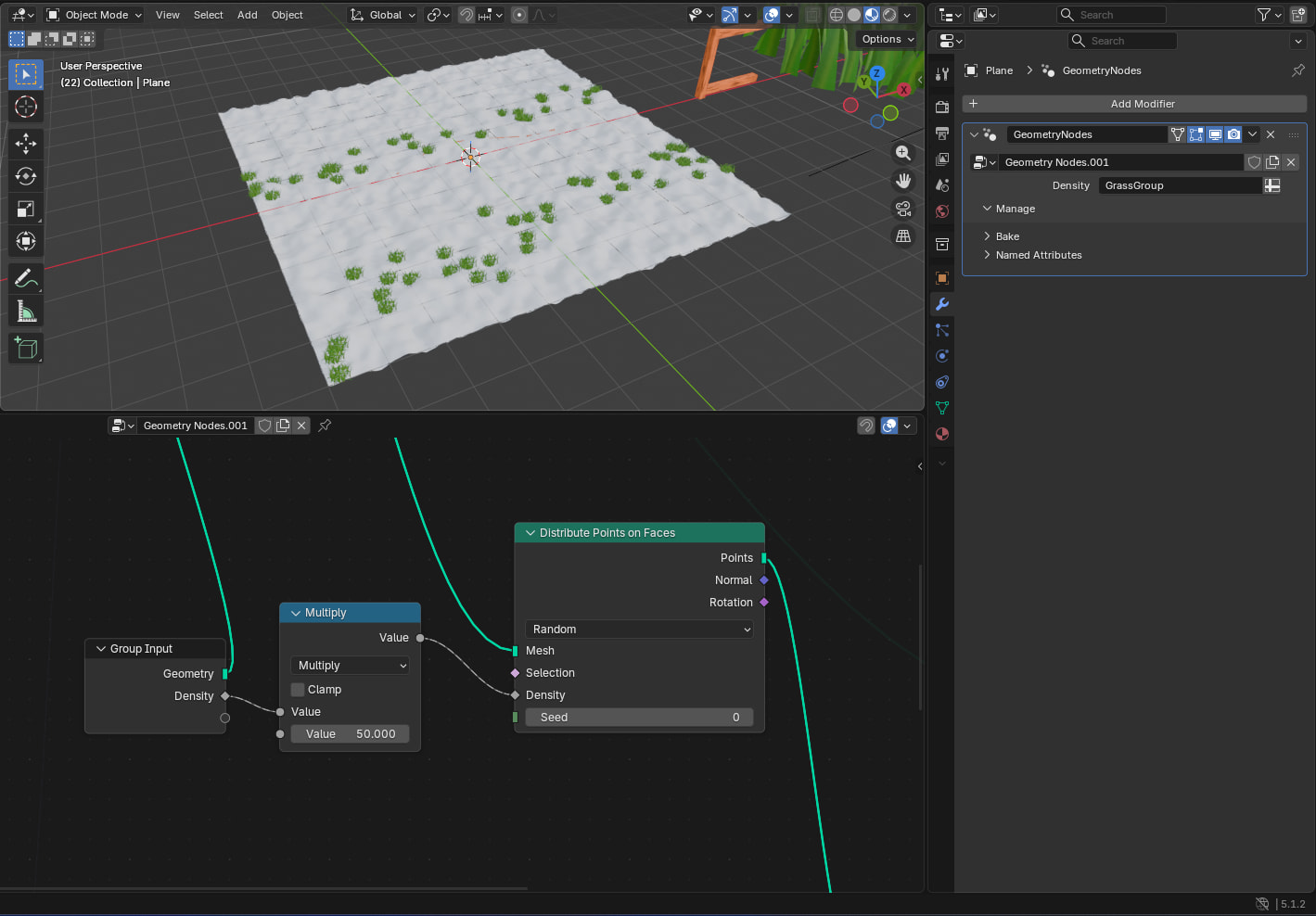
Need help on “The Ultimate Blender 3D Geometry Nodes Course”, I’m in lecture 56 input Attribute toggle. I cannot make the weight paint group appear in the GROUP INPUT modifier. How to fix this? or what step/s am I missing?
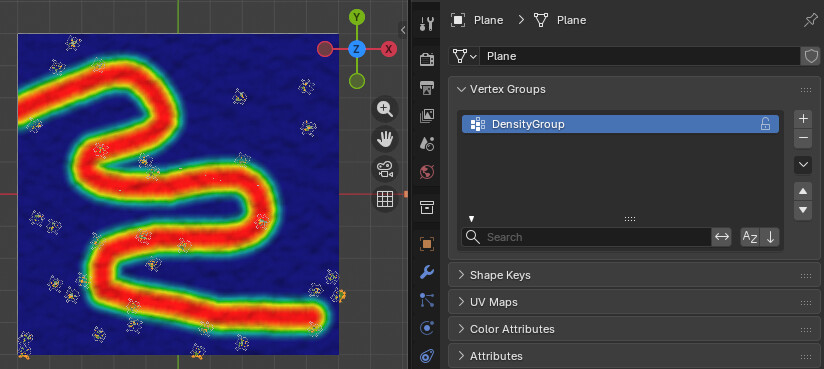
This is the plain that I target for the weight paint group:
These are my geometry nodes. The density is what I target for the “attribute toggle” under Modifier Properties. See here that I already have connected the Density input socket of ‘Distribute Points on Faces’ to the ‘Group Input’.:
I completed this project a while ago and could not see anything obvious with your setup that could explain this issue. If you go to edit mode in the Data tab, you should be able to press Select and double check the vertices are actually assigned.
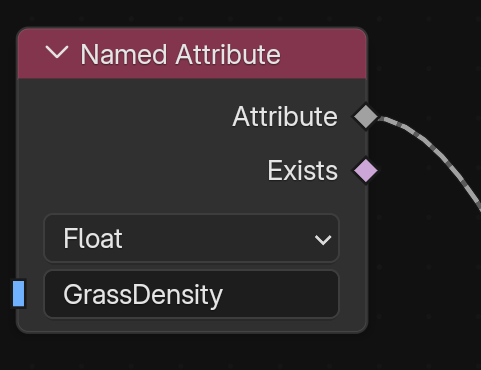
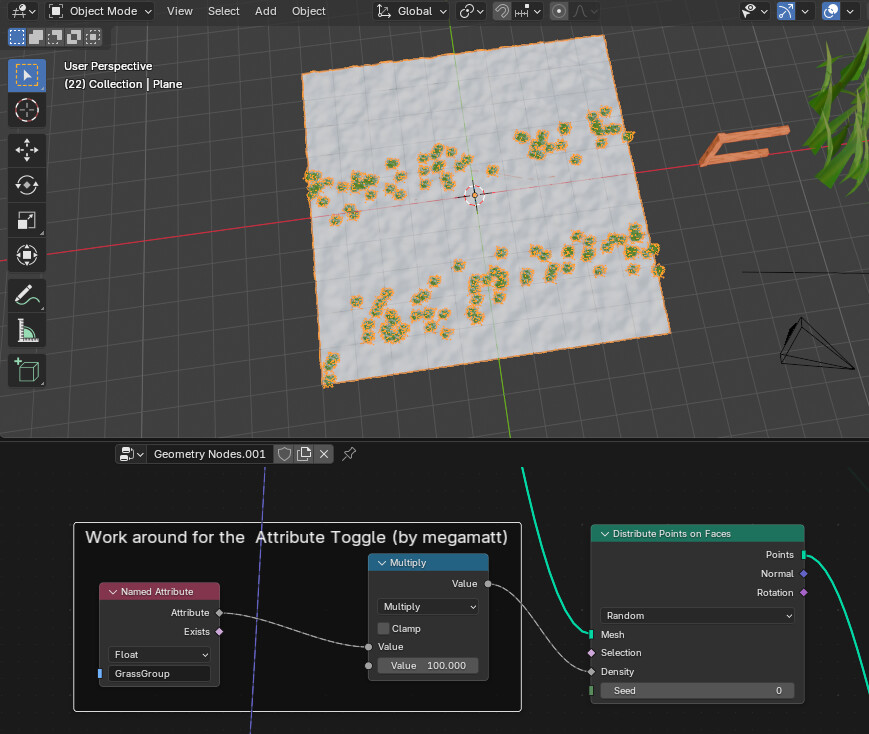
Another thing to try is using the ‘Named Attribute’ node in your Geo nodes setup. This should allow you to read an attribute without passing it in via the modifiers.
Thanks for the upload, i’m still not entirely sure why the vertex group does not show in the modifiers. Could be a bug in blender or something else I am not aware of.
The good news is that there is a work around (see below) You can use the Named Attribute node instead. In addition, it needs a math multiplication on it because the input from the vertex group will always be between 0 and 1 and the density needs to be much higher. You can adjust this value depending on how thick you want the grass.