Hello,
I have applied what I learnt in the Udemy courses and made my own animation.
It was a challenge getting the dynamite explosion working correctly, however I am happy with how it turned out in the end.
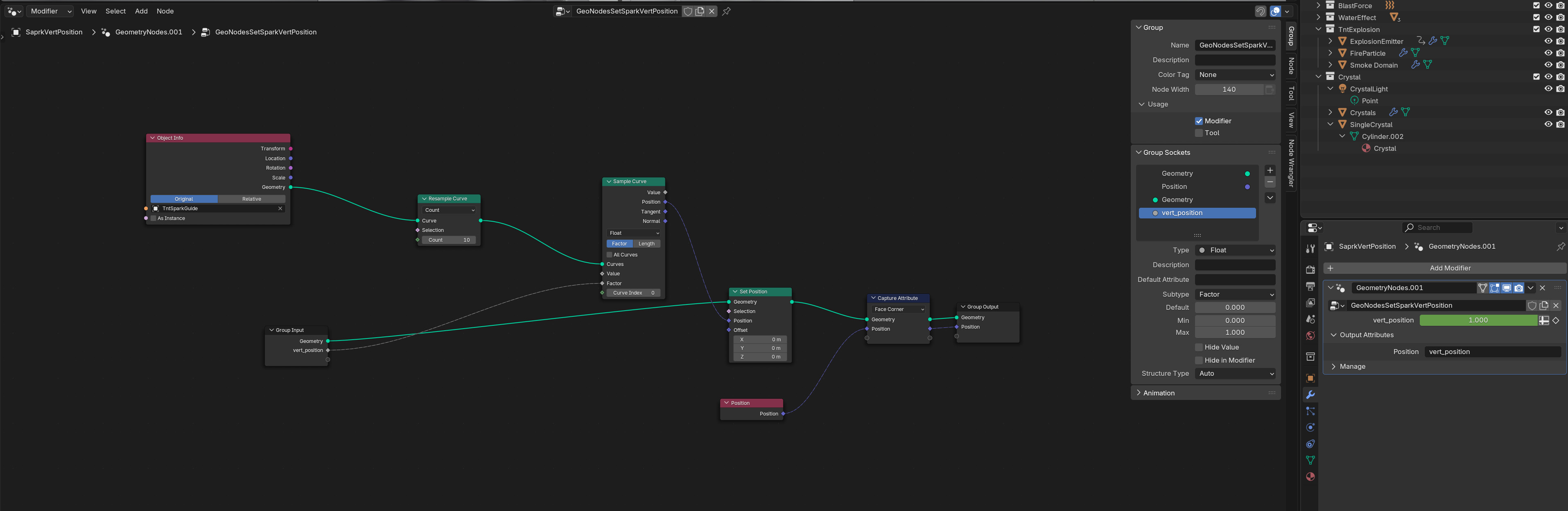
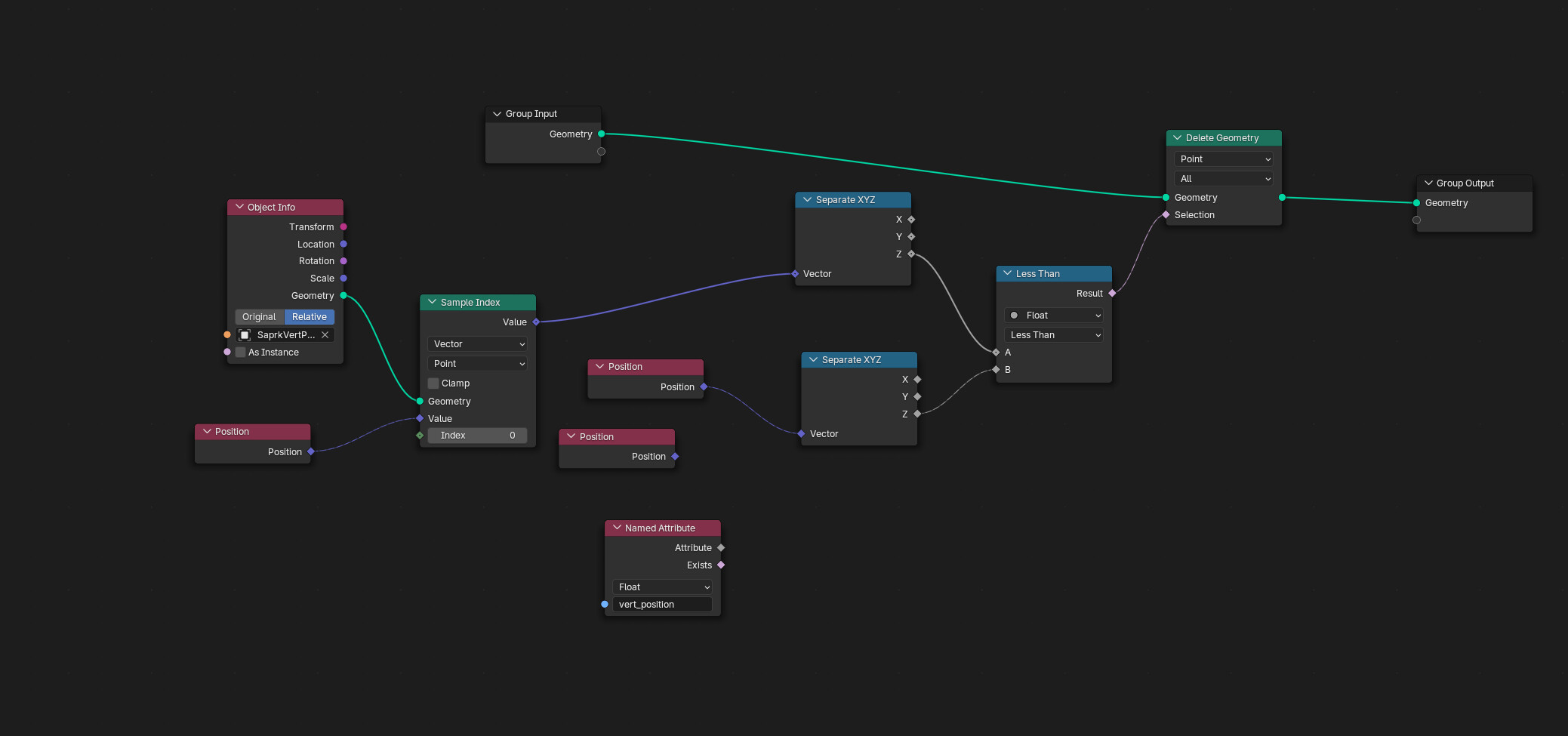
For the crystals, I put a light inside them using the geometry nodes setup instead of making the material emissive as I like the look of the light coming from inside the crystal instead of from the surface.
References Used
HDRI
Sunny Country Road - Sunny Country Road HDRI • Poly Haven
Materials
Grass 004 - Grass 004 | ambientCG
Ground 073 - Ground 073 | ambientCG
Rock 35 - Rock 035 | ambientCG
Ground 67 - Ground 067 | ambientCG
Rock 49 - Rock 049 | ambientCG
Rock 53 Rock 053 | ambientCG
Ground 003 - Ground 003 | ambientCG
Rock 45 - Rock 045 | ambientCG
Sounds
firecracker sparkler ignite, burn, fizzle out3.flac by kyles – Freesound - firecracker sparkler ignite, burn, fizzle out3.flac by kyles – License: Creative Commons 0
blast.wav by WaveAdventurer – Freesound - blast.wav by WaveAdventurer – License: Attribution NonCommercial 4.0
WD-40 quarter Full - Flame thrower 3 by Sadiquecat – Freesound - WD-40 quarter Full - Flame thrower 3 by Sadiquecat – License: Creative Commons 0
Footsteps on dirt, gravel and sand, with slight wind and city hum by felix.blume – Freesound - Footsteps on dirt, gravel and sand, with slight wind and city hum by felix.blume – License: Creative Commons 0
a gentle breeze, wind 4 by mario1298 – Freesound - a gentle breeze, wind 4 by mario1298 – License: Creative Commons 0
AlienHum6.wav by pjborg – Freesound - AlienHum6.wav by pjborg – License: Creative Commons 0
Water, Dripping, Slow, A.wav by InspectorJ – Freesound - Water, Dripping, Slow, A.wav by InspectorJ – License: Attribution 4.0