Hello, so I’m currently on Lesson 55 (Making The Walk Cycle). At the end, it says to copy the keyframes, put the playhead on the last keyframe, and hit CTRL+SHIFT+V to copy the frames on the opposite side of the playhead. I did it but the right arm is not moving properly. What could be the problem? I swear I selected all the bones before pasting.
Here is the file:
Character19.blend (89.0 MB)
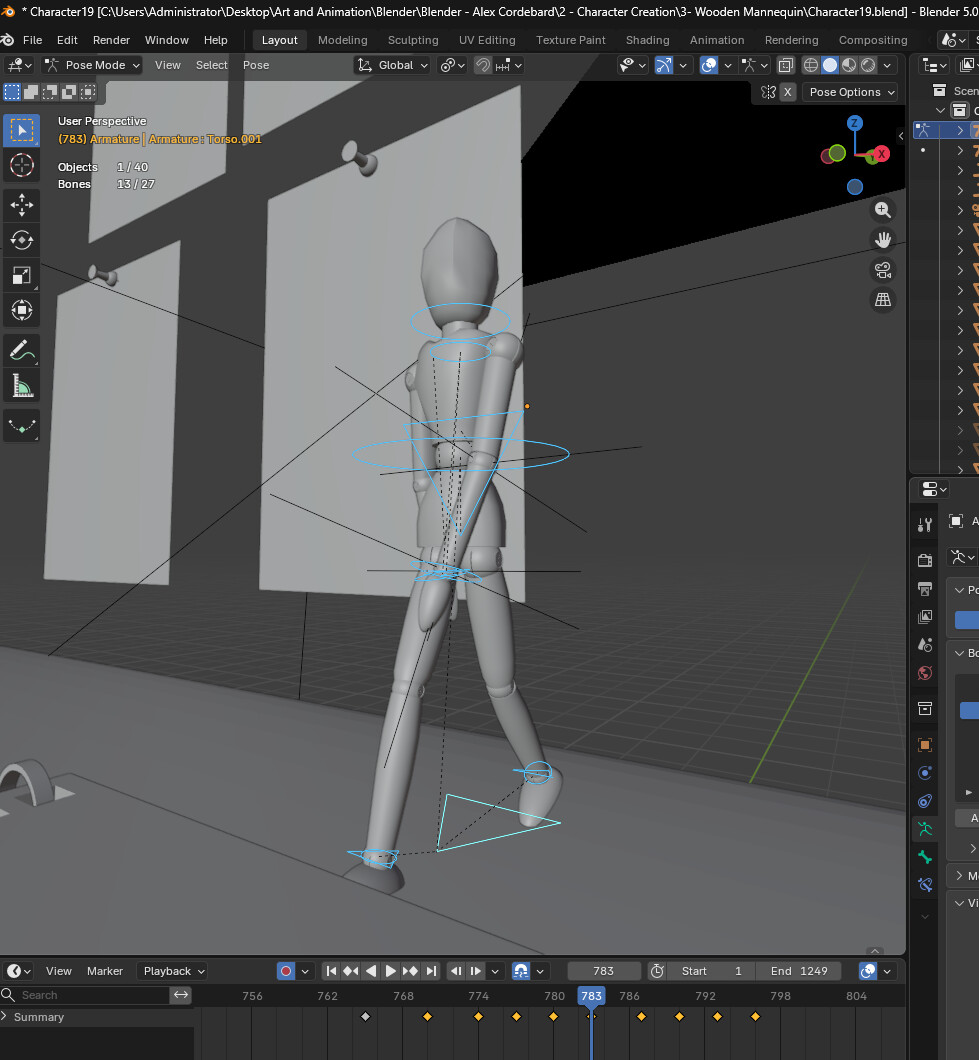
Also, something unrelated, there’s no mention of pole targets in this course unlike the A-Z course so I’m having trouble properly aligning the knee. Not sure how to align it properly like in the course since simply moving the foot bone in the X-axis doesn’t really fix it, as it does in the video.