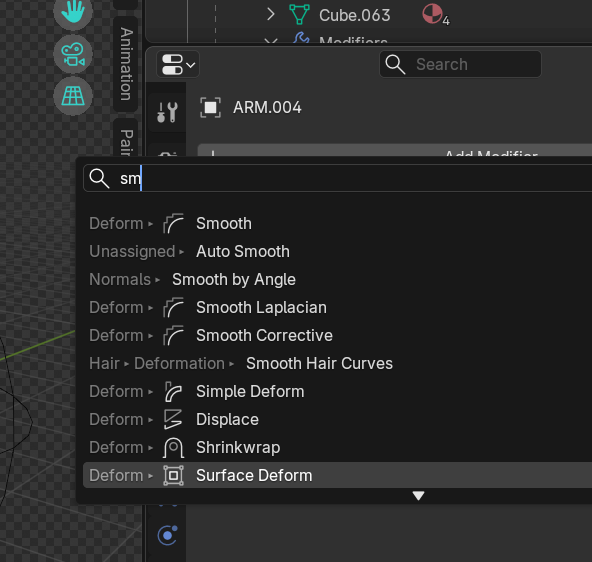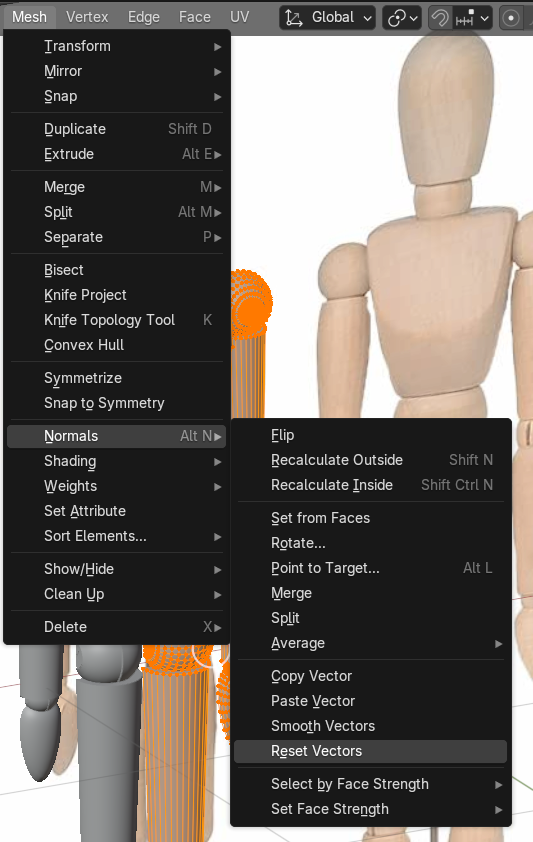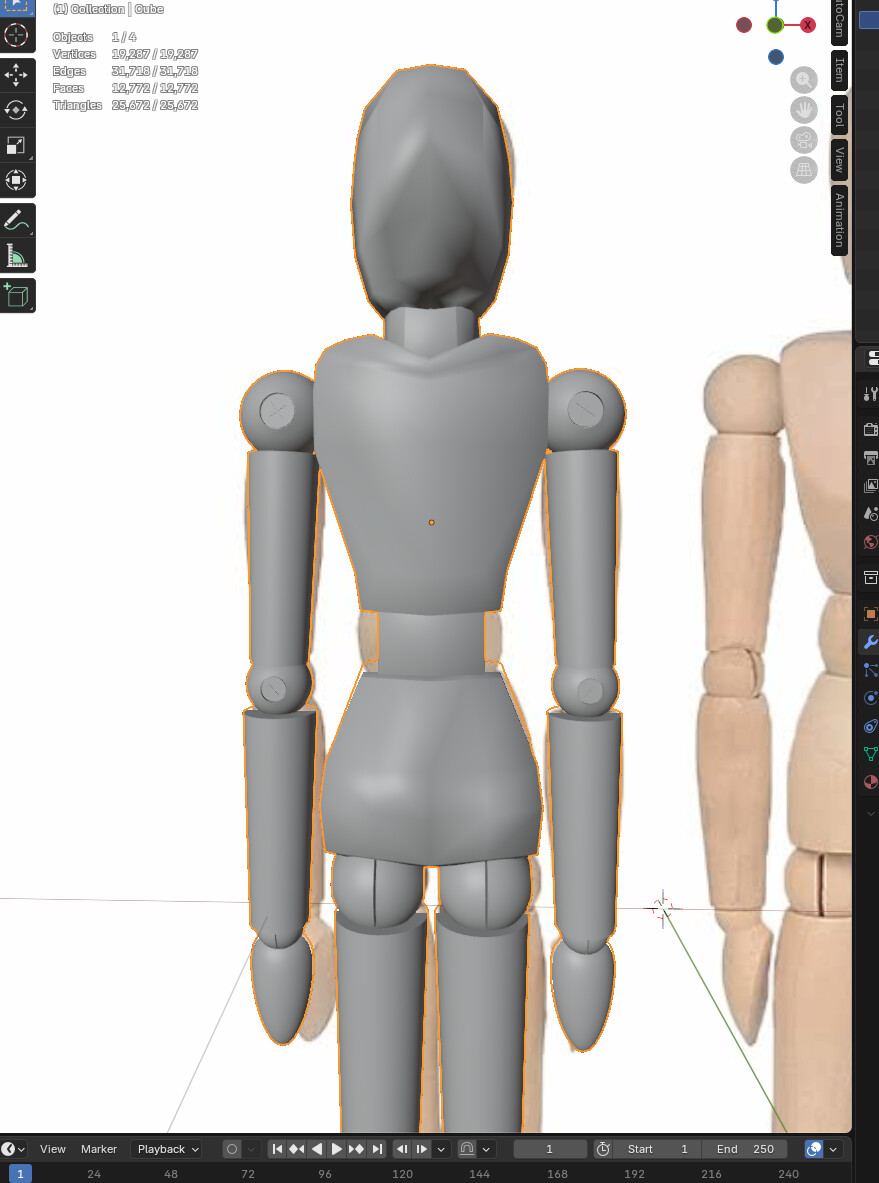
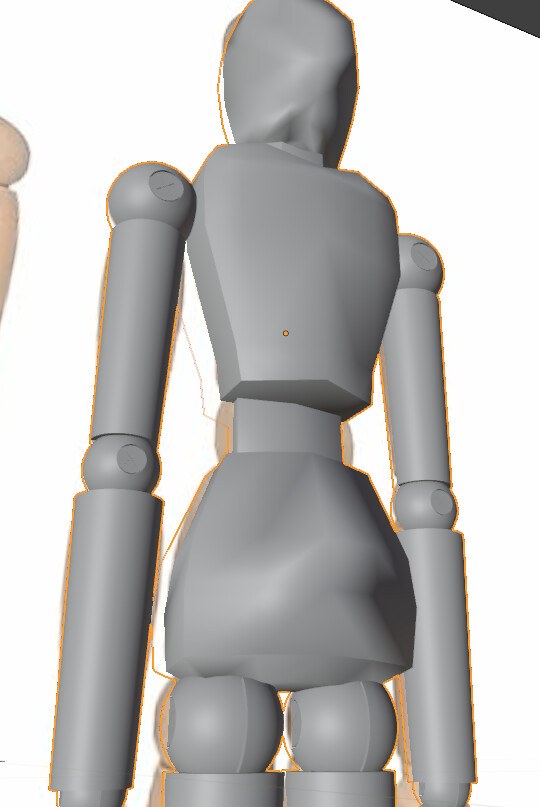
I was wondering why the shading looks weird. Is it supposed to look this way? I thought shading something smooth would make it look… smoother. It looks like the mesh has some wrinkles or something, especially on the head. It looks better on the video too. It could just be me, or it could be due to an update in Blender 5.0 but can’t help but wonder if I’m doing something wrong. I thought it was a normals problem and tried recalculating it but it’s not working. Is this not actually a problem?
Character2.blend (382.0 KB)