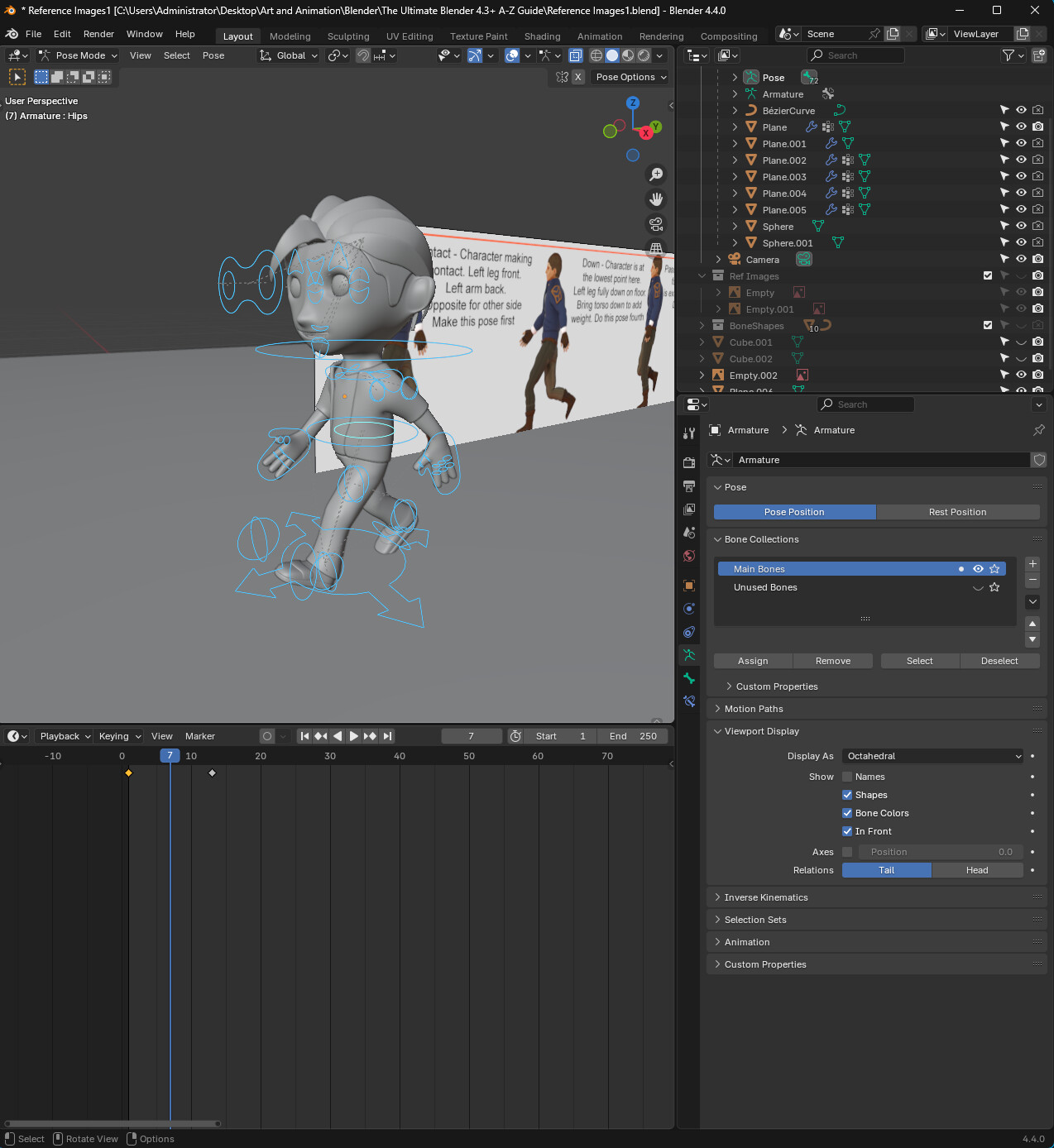
So I’m currently in Lesson 129 (Creating the Walk Cycle) of The Ultimate Blender A-Z Guide. I’m in the part where I’m in pose mode and have to create keyframes. So I select all bones in frame 1 and press I to insert a keyframe, then I copy the pose to the opposite side in frame 13.
When I press spacebar to play the timeline, both keyframes are static. Isn’t frame 1 supposed to transition to frame 13, like all the limbs slowly moving until they match the pose in frame 13? But the thing is, frame 1 does not move at all, and when the playhead goes to frame 13, the pose just suddenly changes.
In the video, when you scrub the timeline, frame 1 transitions to frame 13. But when I scrub the timeline, like when you play it, there’s no transition. Any ideas as to what might be going on?
Reference Images1.blend (34.6 MB)
