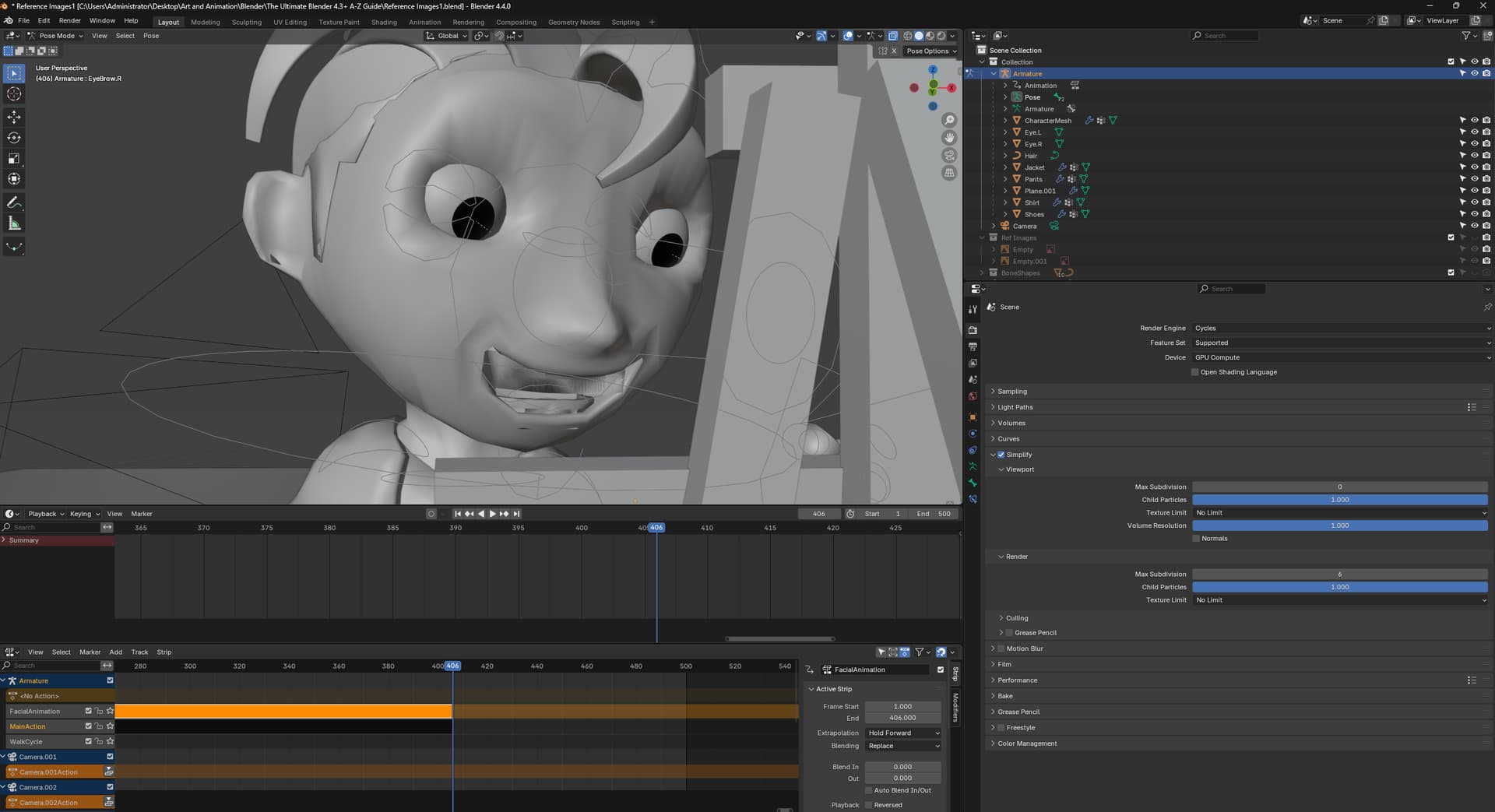
Hello. I’m currently on Section 8, Lesson 140 (Facial Animation). There seems to be an issue with the eye brow shape key, I try to raise the eyebrows using the facial bones but somehow the upper teeth are affected. I may have selected a few vertices of the upper teeth when I created the shape keys for the brows. How do I fix this? Do I delete the shape key and redo it? Or is there a simple way to fix this?
Ah, I see. So I have to do the whole eyebrow shape key again, I created keyframes with the bone for this shape key though. So I guess I need to delete all those as well. I was hoping I could simply edit it somehow. Thanks for the response.