Here is my progress…modeling an ipod classic
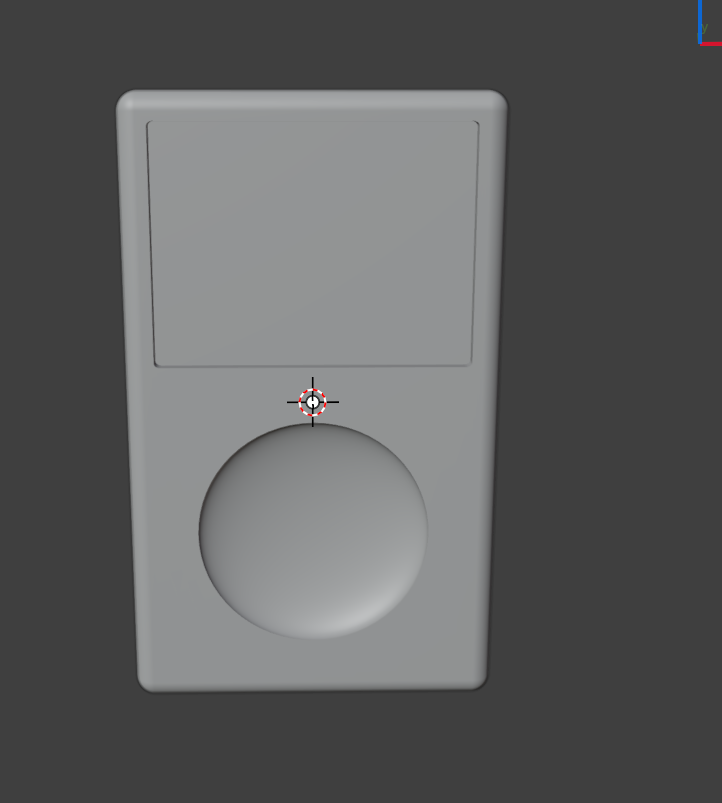
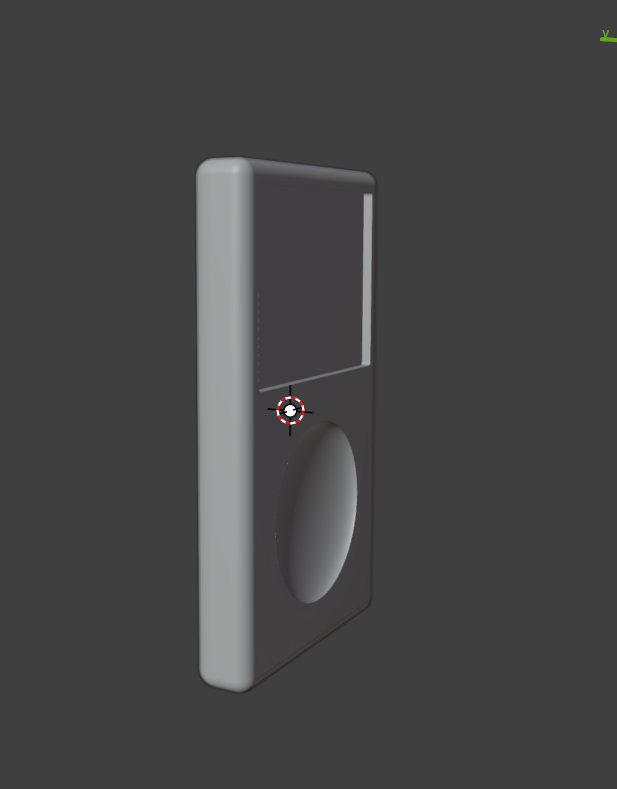
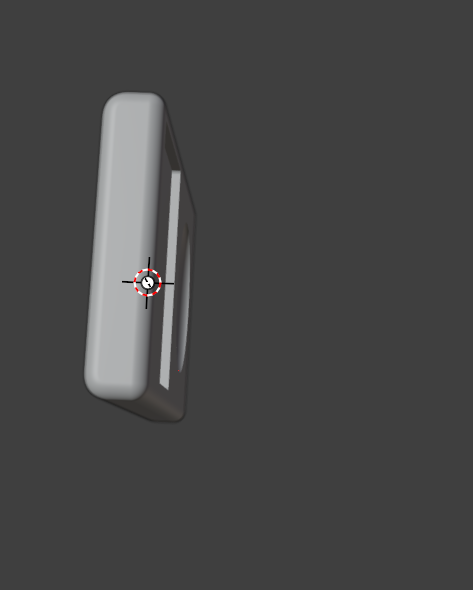
4 Likes
Oh man this takes me back
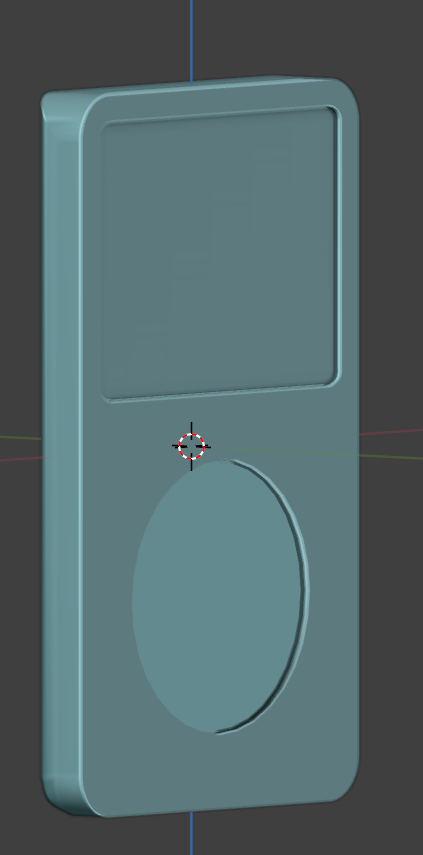
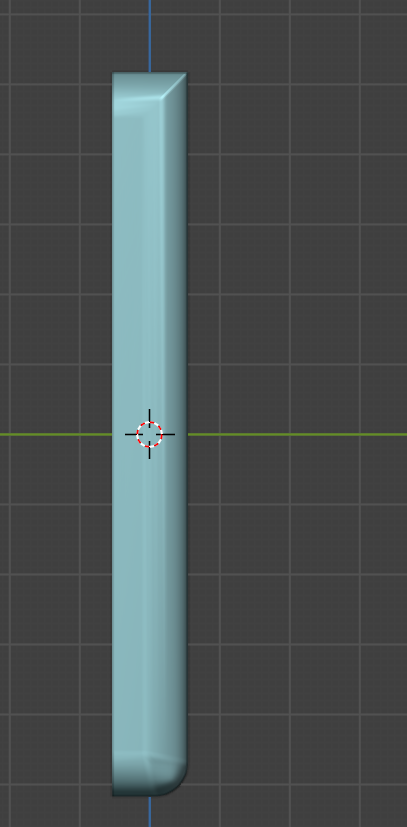
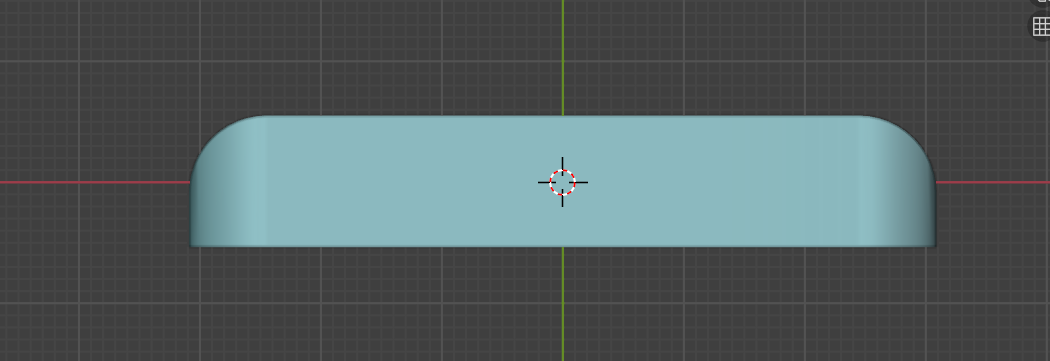
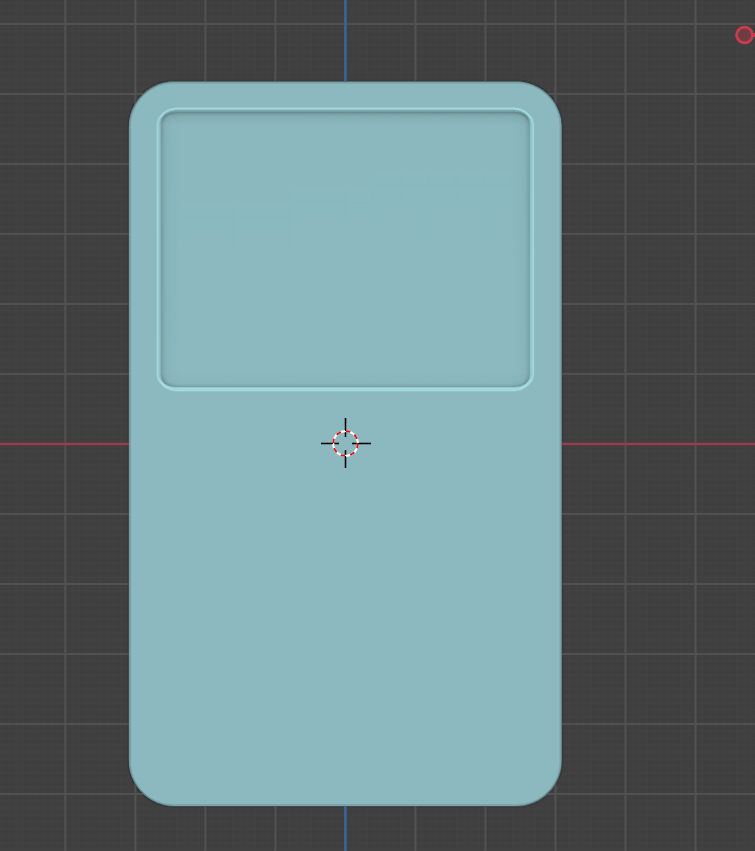
Okay so i started over, since I didn’t actually like how the first one turned out and I am happier with the progress of this version… my question is about bevels because the sharp like you seeon the sides… was wondering how to make that look better
2 Likes
Are you using a bevel modifier? On the modifier you can increase the segments and change the amount to make it look smoother. If it’s not a modifier, you can also add a subdivision surface modifier to smooth it out. If you send the .blend I can check it
I am using the bevel modifier… sorry i forgot to mention specifics. I am using the weight option with in the modifier and selecting specific edges and adjusting that.
Here is my file
Ipod Reference Images.zip (584.2 KB)
The file is in there
1 Like
So boolean and bevel modifiers can be great but it doesn’t give you much control or as much control as actually modeling a bit more of the mesh as you are playing around with only 8 vertices on the cube. I would model a bit more of it and create the shape of it using mesh. What you did works great for how it is, but if you want more control, you’ll want to add more geometry and the best way to go about that is modeling it like so:
Ipod2.blend (749.0 KB)